What’s the Easiest Way to Buy Concert or Broadway Tickets?
June 2, 2025
20 Facts You Didn’t Know About Ticketmaster
June 2, 2025What Happens If a Concert or Show Is Canceled? Refund Guide
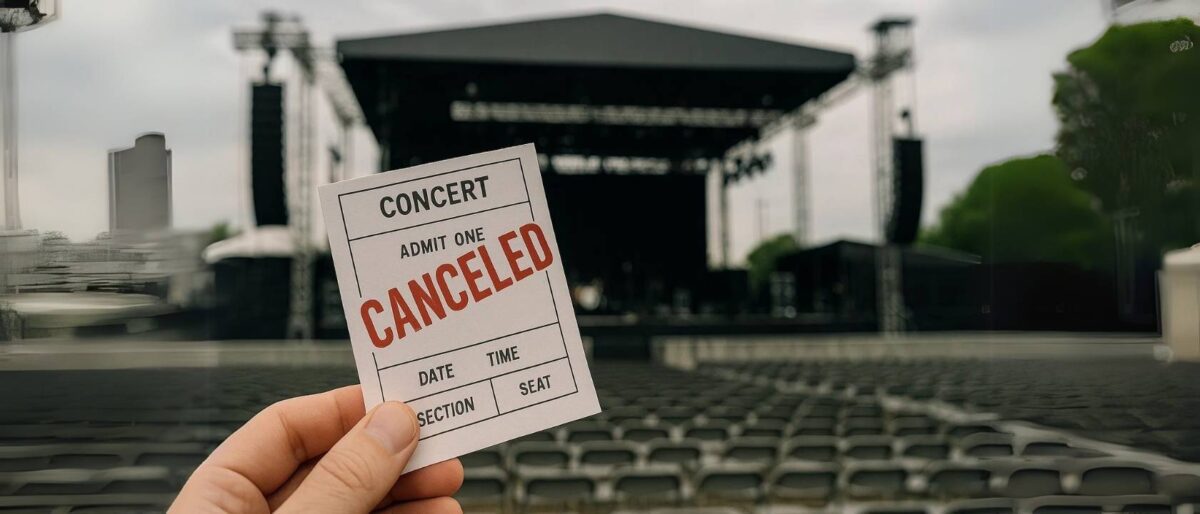
Concert canceled? Broadway show postponed? It happens—and it stings. But don’t panic. I’ve dealt with enough last-minute no-shows and weather-wrecked events to know exactly what to do next. Whether it’s a refund, exchange, or backup plan, here’s how to protect your wallet (and your mood) when showtime suddenly vanishes.
What Counts as a “Canceled” Event?

Not all disruptions are created equal. If you’ve bought tickets and suddenly the show’s off the schedule, it’s tempting to shout “canceled!” and demand a refund. But here’s the thing—how the event is labeled really matters. Canceled, postponed, rescheduled, delayed… each term has a different meaning, and different rules come with it.
A canceled event means it’s completely off the calendar. No new date. No “we’ll try again next week.” That’s the one time you can almost always expect a full refund, no extra steps. Think: a major artist pulls the plug on their tour or a Broadway show shuts down due to illness or poor ticket sales. That’s a wrap, and you get your money back (eventually).
Postponed means it’s not happening *now*, but it may happen later. That’s when things get murky. Your ticket may still be valid for the new date—but if you can’t make it, getting a refund might not be automatic. Same goes for rescheduled events. The show is still on—just at a different time. In these cases, it’s up to the ticket seller’s policy whether you can swap or cancel.
And then there’s delayed. That’s when a show is pushed back by hours—maybe due to weather or tech issues—but still happening the same day. In most cases, no refund. You wait it out or forfeit your seat.
The bottom line? Read the language in the cancellation notice carefully. One word can be the difference between a full refund or a very inconvenient calendar shuffle.
Who Do I Contact First?
The second you hear whispers of a cancellation, it’s tempting to panic-scroll Twitter or vent in the group chat. But before you spiral, here’s what I do—go straight to the source. That means the ticket seller first, followed by the venue website, and if needed, the artist’s official site or social pages. In that order. Always.
Your ticket seller (like Ticketmaster, TodayTix, or StubHub) usually sends out the first wave of information. Check your email confirmation—it often contains a link to your order status, and many companies update that page with real-time event changes. Sometimes, the refund is already being processed before you even open the email. That little PDF attachment you almost ignored? It’s your lifeline now.
If you bought directly from the venue or box office, go to their official website or call them. They typically post updates under a banner or alert at the top of the homepage. You can also check their social media—but don’t rely on it alone. Social media rumors can be outdated, inaccurate, or just flat-out wrong, especially if fans are speculating before any official statement drops.
And finally, the artist’s official channels can provide updates, especially for tour-wide changes. But remember—they don’t issue refunds. They announce, they reschedule, but the actual refund process happens with the folks who sold you the ticket.
Pro tip: always save your confirmation email and take a screenshot of your ticket QR code, order number, and seating info. When things go sideways, those details save time, stress, and hours in customer service limbo.
Refunds for Canceled Events
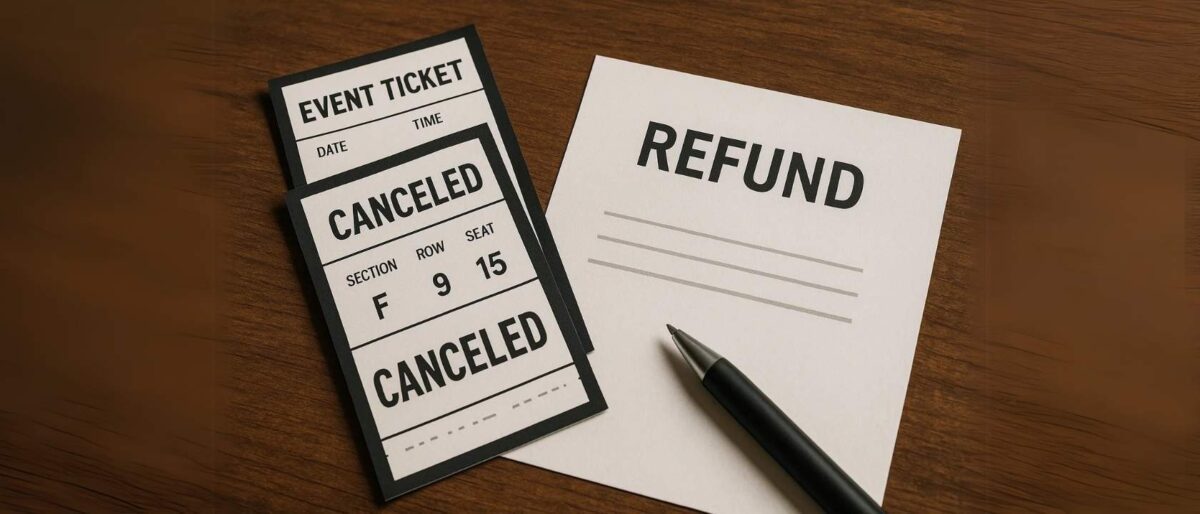
If your event is officially canceled—no makeup date, no “stay tuned”—you’re almost always entitled to a full refund. That’s the silver lining. But while it sounds simple, the process can feel like watching paint dry with a blindfold on. So here’s how it really works, based on my own “been there, done that” experience.
Once the cancellation is confirmed, the ticket seller will usually initiate the refund automatically. You don’t need to fill out a form or send a pleading email (though refreshing your inbox every five minutes is optional). Refunds typically go back to your original payment method—credit card, PayPal, or whichever platform you used at checkout. But… it can take 5 to 30 business days, depending on the company and your bank’s speed.
Some sellers—especially resale platforms like StubHub or Vivid Seats—might offer site credit with a bonus percentage (like 110% of your original amount). That’s fine if you plan to use it again, but if you want your money back, look closely—you often need to opt out of store credit during a limited window.
Now here’s the tricky bit: what if your credit card is no longer valid? Maybe you closed the account, got a new card, or switched banks. Don’t worry—your refund can still process. It’ll bounce back to your bank, and they’ll usually redirect it to your new account or mail you a check. If nothing shows up within 30 days, call your bank and the ticket seller to make sure it didn’t disappear into the financial abyss.
In short: refunds happen, but they’re not instant. Stay patient, keep your order details handy, and monitor your account for updates. It may take longer than you’d like, but your money isn’t gone—it’s just taking the scenic route home.
What If the Show Is Rescheduled?
So the show isn’t canceled—it’s just moved. Maybe the artist got sick, the set broke, or the weather refused to cooperate. Either way, it’s now a rescheduled event, and that comes with its own set of rules. The good news? Your ticket is usually still valid for the new date. No need to rebook or hunt down a replacement. Same seat, same section, just a different night.
But what if the new date doesn’t work for you? You’ve got plans, a flight, or let’s be honest—you just don’t feel like rearranging your week. This is where it gets tricky. Some ticket sellers allow refunds or exchanges for rescheduled events—but only within a specific window, and only if they offer it upfront. That’s why you need to read the email notification carefully. Somewhere in the fine print will be your options—and deadlines.
If a refund is allowed, you’ll usually have to log in to your account and request it manually. Don’t wait. Miss the cutoff, and you’re stuck either reselling the ticket or giving it away to a friend who likes spontaneous plans.
Some sellers (like TodayTix or Ticketmaster) may let you exchange the ticket for another performance or date—especially if it’s a theater show. But again, time is your enemy here. Act fast while inventory is still flexible and customer service lines aren’t overloaded with other reschedule requests.
Bottom line? Don’t assume you’re out of luck if you can’t make the new date. Just don’t assume you’ll get a refund automatically either. It all comes down to policy, timing, and whether or not you read the email past the first sentence.
The Role of Ticket Insurance (And When It Helps)
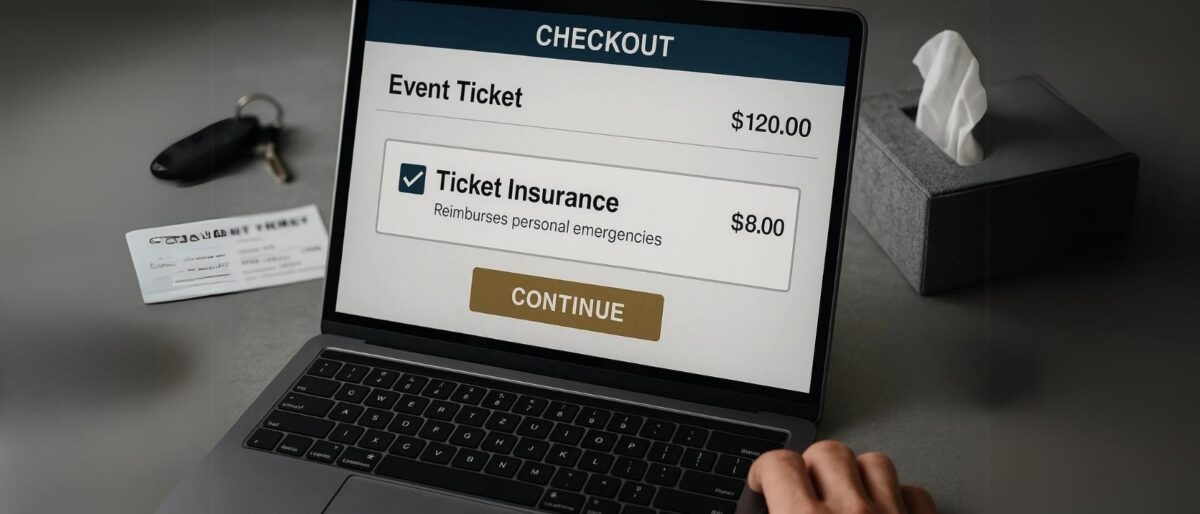
You’ve seen it during checkout—that little box offering ticket insurance for a few extra bucks. Should you click it? Maybe. Maybe not. Ticket protection sounds like a safety net, but you’ve got to read the fine print before assuming it’s a refund free-for-all.
Here’s what it usually does cover: personal emergencies, sudden illness, accidents, or unexpected travel disruptions. If you break your ankle, catch the flu, or your car gives up on the highway en route to the venue—you’re in luck. You’ll likely be able to file a claim and get reimbursed.
But here’s what it usually doesn’t cover: rescheduled events, postponed shows, or “I just didn’t feel like going” regrets. Ticket insurance isn’t built for promoter changes or weather delays—it’s focused on your own misfortunes, not the artist’s. That’s where people often feel shortchanged, thinking they’re covered when they’re not.
So, should you add it at checkout? If you’re traveling, have an unpredictable schedule, or just want peace of mind, it can be worth the extra $10–$20. But if you’re local and confident you’ll attend, it might be an unnecessary add-on.
Pro tip: Check who underwrites the insurance—it’s usually a third-party like Allianz or FanShield. Their websites will give you the real scoop on what qualifies for a payout. Don’t just assume your refund is a click away because you checked a box.
Refunds from Third-Party Resellers
Booked your tickets through a platform like StubHub, SeatGeek, or Vivid Seats? You’re not alone—and you’re not out of luck, either. These verified resellers handle millions of transactions, and most have clear policies for canceled or postponed events. But there’s a twist or two you’ll want to understand.
If the event is canceled outright, most of these sites will automatically refund your purchase—or offer you store credit. In fact, many of them try to entice you with a “bonus” deal: for example, StubHub might give you 120% credit to use on a future purchase if you skip the cash refund. It’s their way of keeping your money in the ecosystem.
For postponed or rescheduled events, things get trickier. Since your ticket is still technically valid, many platforms don’t issue refunds right away. You’ll usually be told to hold onto your ticket until a new date is announced. If you can’t attend the rescheduled event, that’s when you’ll need to contact customer service and request an exception. Be prepared to wait—it can take days (or longer) to hear back during high-volume times.
Important: Always check your original confirmation email or the help section of the ticket reseller’s site. Each one has its own rules, timelines, and refund procedures. And while platforms like Vivid Seats and SeatGeek generally honor buyer guarantees, they’re still marketplaces—so the policies may depend on the seller’s status and the event’s status.
Bottom line? Read the fine print, don’t panic if you don’t see a refund right away, and consider choosing credit if you plan to book another show soon—it might stretch your money further.
Box Office & In-Person Purchases
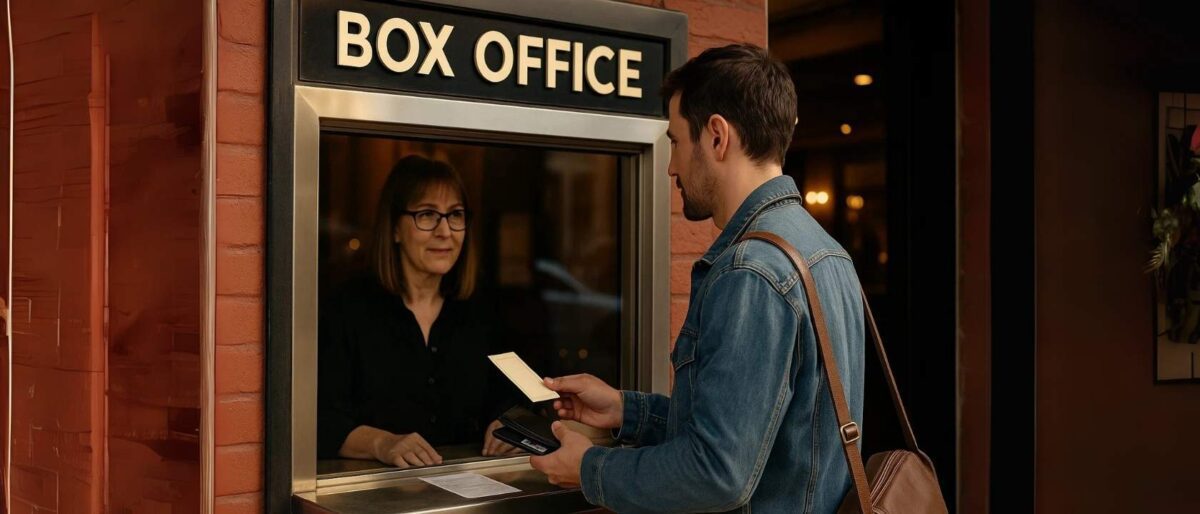
So you bought your ticket the old-school way—right at the box office window. Good news: you’re closer to the source, but getting a refund isn’t as simple as clicking a button. Here’s what you need to know if your event is canceled and you bought in person.
If the show is canceled outright, most venues will issue refunds through the same method you paid. If you used a credit card, your refund will go back to that card (so hang onto the receipt). If you paid cash? Be prepared for a physical refund—possibly even on the spot or after a short processing window.
To request a refund in person, head to the theater’s box office during its operating hours. Check the venue’s website or call ahead—some box offices operate on reduced hours, especially during non-performance days. Timing matters here, so don’t delay if you’re seeking a refund.
Bring proof of purchase. That means your original ticket (especially if it’s a printed one), a receipt if you have it, and a valid ID. Some box offices may also ask for the card you used to purchase, so it’s wise to carry it along just in case.
And if the show was rescheduled? You can usually use the same ticket for the new date. But if you can’t attend, go in early—some theaters offer refund or exchange windows before the new showtime rolls around. Don’t expect email alerts or app notifications here—it’s all about showing up and asking the right questions.
Pro tip: Smaller venues may handle things more flexibly than major Broadway houses. Always be polite, patient, and prepared—that alone can go a long way when seeking help at the window.
Digital Tickets and Mobile Apps
If you scored your tickets through a mobile app like TodayTix, Gametime, or DICE, your phone is your box office—and your lifeline. These apps make buying easy, but navigating cancellations and refunds requires a little tapping, swiping, and reading the fine print.
First things first: if a concert or show is canceled or rescheduled, you’ll usually get an in-app notification or email. Don’t rely on general news or social media. These apps update your account directly—sometimes even before the public announcement hits Instagram. Open the app, head to your tickets, and look for any alerts or banners tied to your purchase.
Tracking your refund status is usually straightforward. Most apps offer a “My Tickets” or “Purchases” tab where you can see whether your refund is “pending,” “processed,” or “credited.” In some cases, you may get a refund to your original payment method, while others offer app credit instead—sometimes with a small bonus attached (like 110% of your original amount).
If you used a promo code on a canceled event? Don’t panic—it’s not lost. Reach out to customer support, and most apps will reissue the code or provide a new one for future use. Just make sure you have your original code handy or a screenshot from your order confirmation.
Quick tip: If your event is rescheduled and you can’t attend the new date, don’t wait. Many apps have short windows for requesting an exchange or refund. Hit “Help” or “Contact Support” inside the app right away to improve your chances.
When You’re Stuck Without a Refund

Sometimes, despite your best efforts and a refresh frenzy that could rival Ticketmaster’s meltdown moments, you miss the refund window. The event’s already passed, the deadline came and went, and now you’re left holding digital confetti. So what now?
First, don’t lose hope. If your show was rescheduled and you couldn’t attend, reach out to the original ticket platform anyway. Some offer case-by-case grace—especially if the change was sudden or poorly communicated. Be polite, clear, and firm. Explain your situation and request a refund or credit. It may not always work, but it’s worth trying.
Next move? Resell. Platforms like StubHub, SeatGeek, or Vivid Seats let you list your tickets for resale—even last-minute. If the show’s in demand, you might even make back what you paid (or close). For Broadway, TodayTix and in-person box office returns are trickier, but some venues let you exchange or release tickets if they’re sold out.
If all else fails, it’s time to talk to your bank. For credit card purchases, you can file a chargeback or dispute—especially if the event was canceled and you weren’t refunded. Include screenshots, receipts, and proof of non-delivery. Just know: banks won’t typically refund you if the event happened but you just couldn’t go. That’s where ticket insurance would’ve stepped in.
What usually doesn’t work? Disputing a legit charge after attending the show, or trying to reverse charges on resale platforms where terms were clearly stated. Save your chargeback for real disputes—don’t burn the bridge for future claims.
Bottom line: missing a refund window isn’t the end. With a little hustle and some digital savvy, you’ve still got a few cards left to play.
How to Avoid Problems Next Time
Let’s face it—nobody wants to spend their Friday night reading refund policies. But if you’ve ever lost $150 to a canceled concert or missed Broadway show, a little prep now can save a whole lot of regret later.
Start with where you buy. Stick with verified platforms like Ticketmaster, Telecharge, TodayTix, or trusted resellers like StubHub and ConcertsAndTickets. If the URL looks sketchy or the prices feel “too good,” back away slowly. Buying from shady third parties can mean no refund, no help, and no show.
Once you get your ticket, screenshot it. Yes—even if it’s in your app. Wallets crash, emails vanish, and phones die at the worst moments. A screenshot saved to your camera roll (or cloud) gives you backup proof if you ever need to show, share, or resell that ticket. Bonus points if you also screenshot the confirmation email and seat info.
Set a calendar reminder. Add a quick event for 48 hours before the show and another two weeks after the purchase date—these are common refund deadlines. If the event changes or gets canceled, you’ll be in prime position to act fast, not fumble through your inbox at midnight.
And finally—read the fine print. Don’t worry, you don’t need a law degree. Just skim for key phrases like “non-refundable,” “rescheduled policy,” and “credits vs. cash.” Knowing what you’re signing up for makes it way easier to navigate surprises. A few minutes of scanning can save days of stress and emails later.
Bottom line? Be your own ticket bodyguard. A little foresight turns panic into power—and gets you back to planning your next unforgettable night out.
Conclusion
Ticket troubles are never fun—but with the right info, they don’t have to be a total disaster. Whether your concert got canceled, your Broadway show got bumped, or you’re just trying to figure out what “rescheduled” actually means, knowing your rights (and your refund windows) puts you in control.
From screenshots to insurance, from official apps to chargeback plans, this guide isn’t just for your current ticket crisis—it’s your armor for the next one. So keep calm, check your inbox, and remember: even if the show doesn’t go on, your money doesn’t have to vanish into the stage fog.
Stay smart, stay organized, and here’s hoping your next ticket leads to applause—not a refund request.