The 15 Longest Concert Tours in Music History
May 26, 2025
From Stand-Up to Broadway: Comedians Who Made the Jump
May 26, 2025How to Get Alerts for Sold-Out Events and Ticket Drops
Tickets sell out fast—but that doesn’t mean you’re out of luck. With the right alerts, you can catch resale releases, last-minute drops, and surprise restocks before the crowd. This guide shows how to track sold-out events in real time so you never miss your shot again.
1. Why Sold-Out Shows Still Have Tickets
Just because an event shows “sold out” doesn’t mean your chance to get in is gone. In fact, ticket availability can fluctuate right up until showtime. The key is knowing why and when new tickets might surface—often unexpectedly.
1. Resale Inventory Constantly Changes:
Fans and ticket holders frequently post and repost tickets on resale platforms like StubHub, SeatGeek, and TickPick. Prices and listings shift hourly. Some sellers panic and drop prices to sell quickly, while others hold out—so the market stays in motion even after primary sales close.
2. Holds Are Released by Artists and Promoters:
Many shows reserve blocks of tickets for VIPs, press, venue staff, or fan clubs. These “holds” are often released to the public closer to the event date if they’re unused. These releases can include great seats—sometimes even front row—that were never available during the original onsale.
3. Last-Minute Cancellations and Dropbacks:
Plans change. People cancel. When they do, their tickets often return to the system. Whether it’s a refund window closing or a payment issue, these dropbacks quietly pop up—and if you’re watching, you can swoop in before anyone else sees them.
4. Dynamic Pricing Creates Availability Waves:
Ticketing platforms like Ticketmaster use dynamic pricing, which adjusts prices based on demand. When demand dips, prices may drop and new availability might open—sometimes for seats that were previously “unavailable.” It’s supply and demand on steroids, but with a little patience, you can win the timing game.
Bottom line: “Sold out” is often just a moment in time. With smart tracking and a little luck, tickets reappear—and those who know where to look get in.
2. How Ticket Drop Alerts Work
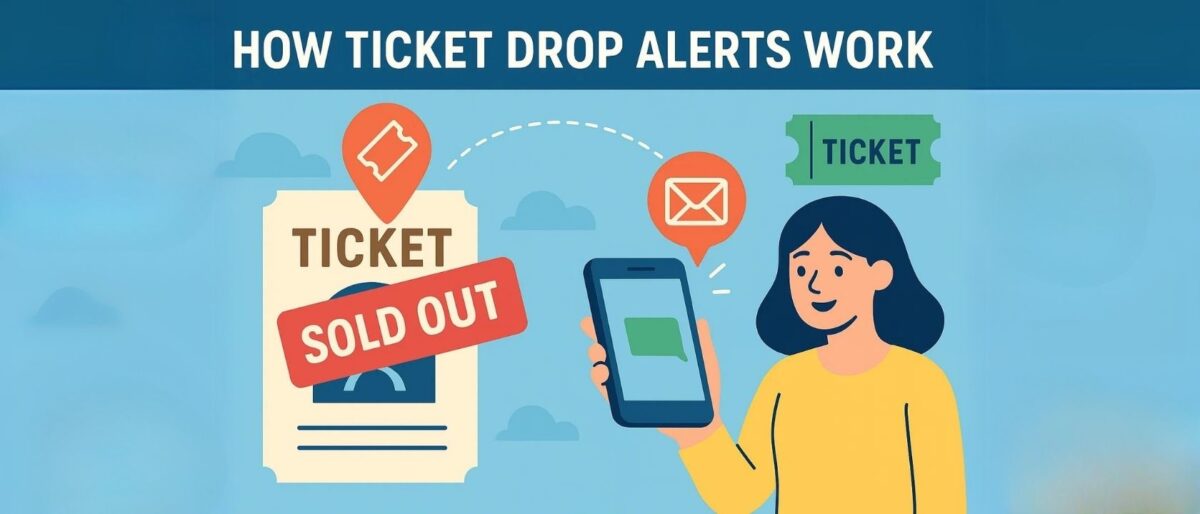
So what exactly is a ticket drop? In simple terms, it’s when new or previously unavailable tickets suddenly become available—after an event was marked as sold out. These can include last-minute releases, returned seats, or newly added inventory. And if you’re not watching closely, you’ll miss them.
That’s where ticket drop alerts come in. These tools monitor the event’s ticketing pages and notify you the moment something changes—whether it’s a price drop, a new batch of seats, or a restocked section that was previously grayed out.
Real-time vs. Delayed Alerts:
Some platforms offer real-time alerts, giving you updates the second new tickets hit the system. Others update in timed intervals—every 15 minutes or hourly—which still works, but can put you behind the fastest buyers. If timing is critical (which it often is), real-time alerts are your best friend.
Types of Notifications:
- Push Notifications: Mobile apps like SeatGeek, StubHub, and Gametime send instant alerts directly to your phone’s lock screen when something changes.
- Email Alerts: Ideal for those who check their inbox frequently. Most platforms allow you to customize which events you’re tracking and how often you’re notified.
- SMS Alerts: Some services offer text notifications, which are helpful if you don’t want to rely on app settings or email filters.
- Browser Extensions: Tools like Visualping and Distill.io monitor ticket web pages for any changes and ping you with a desktop or email notification.
With alerts set up correctly, you can react fast—often beating the bots, the scalpers, and the mad refreshers. Because when it comes to ticket drops, speed = seats.
3. Best Platforms & Apps for Ticket Alerts
If you’re serious about scoring tickets to sold-out events, choosing the right platform is half the battle. These ticketing apps and websites offer built-in tools to track availability, monitor price drops, and send real-time alerts—so you can act fast when new seats hit the market.
SeatGeek
- Use the “Track” button on any event page to follow ticket availability and price fluctuations.
- Get push and email alerts when prices drop, new seats become available, or listings match your preferred filters.
- The platform also provides “Deal Score” rankings to help you identify value quickly.
StubHub
- Click the heart icon to favorite an event and unlock instant alerts for price changes and new inventory.
- StubHub updates frequently and has one of the most responsive alert systems for both app and email users.
- Great for fans tracking high-demand events or hoping for last-minute price drops.
Ticketmaster
- Customize your account preferences to receive alerts about specific artists, venues, or shows.
- Get notified about official ticket drops, added shows, presales, or resale availability via email or push.
- Especially useful for fans of major tours with Verified Fan programs or waitlists.
TodayTix
- Perfect for Broadway and regional theatre fans looking for rush tickets, lotteries, or last-minute seats.
- Set alerts for price changes, new show dates, and rush availability.
- Push notifications are especially handy for users who want to enter same-day ticket lotteries.
TickPick
- Offers no-fee ticket listings and lets you track events by seat section and price tier.
- The “Track Event” feature provides real-time alerts when prices fall within your set range.
- Ideal for budget-conscious buyers who want transparency and timely updates.
Gametime
- Geared toward last-minute ticket hunters—especially for concerts and sports.
- Sends mobile alerts for sudden ticket drops and same-day deals.
- Great option for spontaneous fans or travelers looking for events tonight or tomorrow.
Each of these platforms has its strengths, but they all share one critical feature: they keep you in the loop before everyone else even knows there’s a loop.
4. Join Official Waitlists and Verified Fan Programs

If you want a real edge in the ticket game—especially for high-demand artists—don’t just wait for a miracle. Get on the list. Official waitlists and Verified Fan programs are often the most direct, legitimate way to access new tickets when a show is “sold out.”
How Waitlists and Verified Fan Programs Work:
Platforms like Ticketmaster’s Verified Fan, AXS’s waiting list system, and Broadway Direct’s alerts let you sign up ahead of time to show interest in a specific event. These systems are designed to prioritize real fans over scalpers and bots. When additional inventory becomes available—through added shows, returned holds, or production releases—you’ll be among the first to know.
What You’ll Get:
- Presale Codes: Invitations to purchase tickets before the general public.
- Alerts for Added Shows: If a second or third show is announced, you’ll be notified early.
- Returned Inventory Notifications: Seats that were held back for partners, production, or VIPs can get released—and waitlisted fans often get first dibs.
Why Signing Up Early Matters:
These lists are often sorted by time of registration. The earlier you sign up, the higher your priority when tickets drop. Plus, Verified Fan entry windows can close quickly—if you wait, you miss your chance entirely.
Pro tip: Always use the same email and login across platforms (Ticketmaster, AXS, etc.) and check your inbox—these invitations sometimes land in promotions or spam folders.
Being on a waitlist doesn’t guarantee a ticket—but it significantly increases your chances when new seats are released and time is of the essence.
5. Follow Artists, Venues, and Promoters on Social Media
Sometimes the first place tickets appear—or reappear—isn’t a ticketing site. It’s a social media feed. Artists, venues, and promoters often use their platforms to announce surprise ticket drops, discount codes, or added shows before they’re officially listed anywhere else.
Why it works: Musicians and shows want to reward their biggest fans—the ones already following them. It’s not uncommon for an artist to post, “Surprise! Limited tickets just released!” or drop an exclusive presale code in a Story, tweet, or TikTok caption. If you’re not plugged in, you’ll miss it.
How to stay ahead:
- Turn on notifications for your favorite artists, venues, and production companies on Instagram, X (Twitter), and TikTok. You’ll get instant alerts when they post or go live.
- Follow venue accounts—not just the artist. Places like Madison Square Garden, The Hollywood Bowl, or regional theaters often share ticket releases and exclusive offers.
- Subscribe to email newsletters from venues, promoters (like Live Nation or AEG), and show-specific sites (like Broadway Direct). These newsletters frequently include early access links and fan-only announcements.
For major events, even a few minutes’ head start can be the difference between scoring amazing seats—or settling for nosebleeds at twice the price. Social media puts you right where the drops happen first.
6. Use Browser Extensions and Third-Party Tools
If you’re the kind of fan who refreshes ticket pages like it’s a sport, there’s a smarter (and less sanity-draining) way: browser extensions and third-party monitoring tools. These digital assistants track specific web pages for changes—like when new tickets are added—and instantly notify you.
Two fan-favorite tools:
- Visualping – Monitors page content and alerts you via email when anything changes. Great for tracking general ticket availability, seat maps, or presale notices.
- Distill.io – Offers more customization. You can track specific page elements (like a “Buy Now” button reappearing) and get push or SMS alerts the second it happens.
How to set it up:
- Install the extension on Chrome or Firefox.
- Paste the URL of the ticket page you want to monitor—this could be a Ticketmaster event page, StubHub listing, or TodayTix show.
- Select the part of the page to track (e.g., a “Sold Out” badge, price box, or button).
- Set your check frequency—every 5 minutes for high-demand drops, or longer intervals to conserve resources.
- Choose how you want to be notified: desktop alert, email, or mobile push.
Why it’s ideal for superfans: If you’re monitoring multiple shows across different platforms, these tools can automate the grind. Instead of refreshing pages all day, you’ll get pinged the moment something changes—before it’s widely announced.
Just remember: once you get the alert, you need to move fast. Ticket drops don’t wait around.
7. Set Price Alerts and Ticket Filters
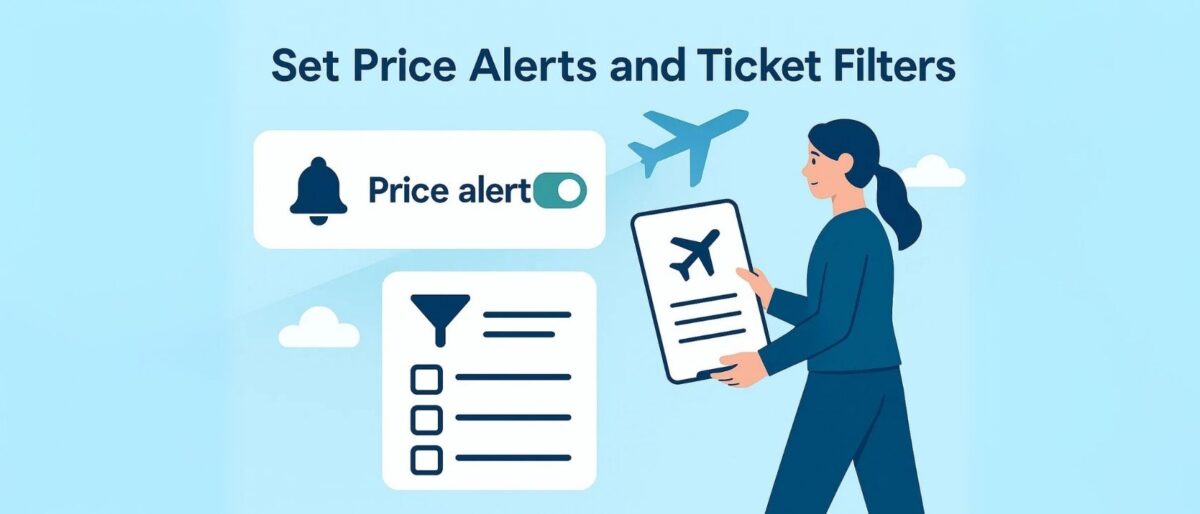
Let’s be real—scoring a ticket is great, but scoring it within budget? Even better. That’s where price alerts and ticket filters come in. Most major ticket platforms let you set a maximum price you’re willing to pay and notify you when tickets become available at or below that threshold.
Here’s how to do it:
- SeatGeek: Tap the “Track” button on an event page and use the price slider to set your ideal price range. You’ll get a push or email alert when listings appear in that range.
- StubHub: After “favoriting” an event, enable price drop notifications. You can also sort by price and save specific ticket sections to monitor.
- TickPick: Use the “Track Event” feature to watch for listings that meet your budget—without hidden fees inflating the total at checkout.
Why it works: Ticket prices on resale platforms are constantly changing. Sellers often drop prices closer to the event just to offload their inventory. By setting alerts, you won’t miss that sweet spot when someone cuts a price below your max—especially if you’ve been holding out for a deal.
Bonus tip: Combine price filters with seat map tools. You can often target specific sections (like orchestra vs. balcony) and only get notified when your dream seats dip into your range.
With a little patience and the right settings, you can avoid overpaying and still land incredible seats—no FOMO, no regrets.
8. Watch for Last-Minute Drops
Think all hope is lost the day before the show? Think again. Some of the best ticket opportunities happen in the final 24 to 48 hours before an event. These last-minute drops can include prime seats and face-value pricing—you just have to know when and where to look.
Why do these tickets suddenly appear?
- Returned Tickets: Fans cancel, payment methods fail, or unused blocks come back into circulation.
- Production Holds: Promoters and tour managers often reserve seats in case they’re needed for crew, family, or media. If unused, they’re released to the public—often right before showtime.
- Unclaimed Comps: Complimentary tickets for sponsors, partners, or artists are sometimes added back to the pool if not claimed by a specific deadline.
When to check:
- 10 AM local time on the day of or day before the show—many venues release holds in the late morning.
- The night before (especially after 9 PM) as unsold comps or unused resale listings may drop in price.
- Morning of the event for digital lotteries or day-of rush tickets (especially on apps like TodayTix or via box office releases).
Best platforms for last-minute seats:
StubHub, SeatGeek, Gametime, and even Ticketmaster’s official resale section often see rapid listing changes and steep markdowns during the final countdown. Gametime, in particular, is built for same-day seat hunting with mobile delivery.
If you’re flexible and can move quickly, last-minute drops might be your best chance at scoring a killer seat—without the panic pricing.
9. Tips to Increase Your Success Rate
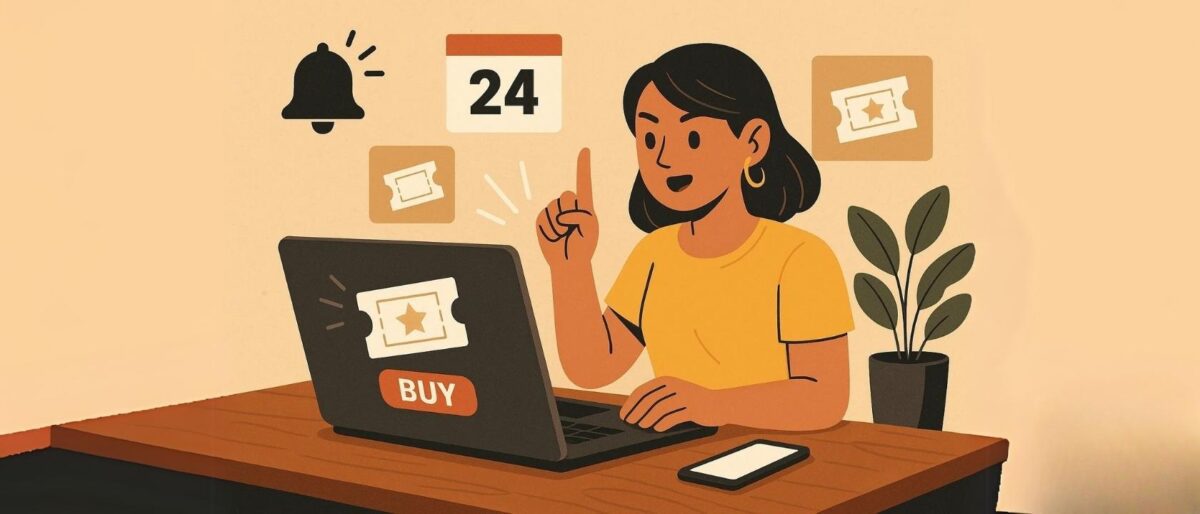
Getting alerts is only half the game—the other half is being ready to act fast. When tickets drop, especially for sold-out events, hesitation equals heartbreak. Here are a few power-user tips to help you beat the crowd and lock in seats before they vanish.
- Create accounts and stay logged in: Whether it’s Ticketmaster, StubHub, SeatGeek, or TodayTix, make sure your account is set up, verified, and logged in. Logging in under pressure wastes precious seconds—and for hot shows, that’s all it takes to miss out.
- Enable push and SMS notifications: Turn on alerts across all devices. SMS and app push notifications often arrive faster than email. For last-minute drops or price changes, a few seconds’ head start can make all the difference.
- Use multiple devices: Got a laptop, phone, and tablet? Use them all. Keep different platforms open in separate tabs, and stagger your focus to stay ahead of slower refresh rates or app lag. Sometimes mobile gets alerts first, other times desktop wins—it pays to cover both.
- Save your payment info in advance: If you have to dig for your card or type in billing details, you’re done. Use platforms that allow secure storage of payment methods, or preload your account with a digital wallet like Apple Pay or PayPal.
- Stay flexible: The perfect seat at the perfect price may not show up. Be open to different rows, sections, or even single seats. Flexibility in both budget and location will drastically increase your chances of scoring a ticket.
When that alert hits, the race is on. By staying logged in, armed with alerts, and ready to click “Buy” in under 10 seconds, you turn a maybe into a seat—and a sold-out show into your next unforgettable night.
10. Stay Safe: Avoid Scams and Fake Alerts
When demand is high and inventory is low, scammers swoop in fast. Ticket drop alerts can be a goldmine—but only if you’re shopping smart. Here’s how to protect yourself from fake tickets, phishing attempts, and sketchy sellers while chasing that perfect seat.
- Stick to verified platforms: Only buy from trusted sources like Ticketmaster, AXS, StubHub, SeatGeek, TodayTix, or TickPick. These platforms offer buyer guarantees, meaning if something goes wrong (like a canceled ticket or fake barcode), you’re covered.
- Be cautious with DMs and social resale posts: That friendly stranger in your Instagram DMs offering two floor seats “at face value” might be too good to be true. Unverified peer-to-peer sales = high risk. Scammers love targeting fan forums and resale comment sections—don’t fall for it.
- Use secure payment methods only: Always pay through the platform itself or use protected services like PayPal Goods & Services. Never send Venmo “friends/family” payments, wire transfers, or cash. These methods offer no buyer protection and are a scammer’s dream.
Other red flags? Sellers who ask to “email the ticket after payment,” vague event details, or pressure you to act instantly. Trust your gut. If it feels shady, scroll away.
Staying alert doesn’t just mean watching for ticket drops—it also means protecting your wallet, your data, and your peace of mind. A good deal is only good if it’s real.
Conclusion
In a world where tickets vanish in seconds, alerts give you power—and planning gives you access. Whether you’re chasing a sold-out stadium tour, a Broadway smash, or a one-night-only comedy show, staying ahead of the drop is no longer about luck—it’s about strategy.
From enabling real-time notifications and tracking prices to joining official waitlists and using smart browser tools, ticket success favors the well-prepared. The platforms are there. The drops are real. And with a little digital muscle, you can beat the bots, dodge the scalpers, and land seats others gave up on.
Final tip: Stay consistent. Keep alerts active. Check often. Be flexible. And most of all—don’t give up when you see “sold out”. That’s just the beginning of the game, and now you’ve got the playbook to win it.
Frequently Asked Questions
What is a ticket alert tool?
A ticket alert tool is an app or website feature that notifies you when tickets for a specific event, artist, or venue go on sale, drop in price, or become available again after a sellout.
Are ticket alert tools free to use?
Most basic ticket alerts are free. Many platforms let you follow artists, events, or venues and send you email or push notifications without charging a fee.
Which apps and sites offer good ticket alerts?
Popular options include Ticketmaster, AXS, SeatGeek, StubHub, Songkick, Bandsintown, and specialized ticket-tracker apps. Using more than one tool gives you better coverage.
How do I set up alerts for a specific artist?
Usually you search for the artist in the app, tap “Follow” or “Track,” and turn on notifications. Some tools also let you choose your city or radius so you only get alerts for nearby shows.
Can ticket alerts track resale tickets and price drops?
Yes. Many apps monitor both primary and resale inventory and can ping you when new listings appear or prices fall below a certain level.
How far in advance should I set up ticket alerts?
Set alerts as soon as you hear rumors of a tour or festival. That way you’ll catch presale announcements, on-sale dates, and any extra shows that get added.
Do ticket alerts guarantee I’ll get tickets?
No. Alerts give you a head start but don’t reserve seats for you. High-demand events can still sell out quickly, so you need to act fast when a notification arrives.
Are email alerts or push notifications better?
Push notifications on your phone are usually faster and easier to act on. Email alerts are useful as a backup or for tracking details, but they can get buried in your inbox.
Can I set a maximum price when using ticket alerts?
Some tools let you filter by price or send alerts when tickets drop below a target amount. If that option isn’t built in, you can still use alerts to watch for deals manually.
Are ticket alert tools safe for my data?
Reputable ticketing apps use encryption and standard security practices, but you should still use strong passwords, avoid third-party bots, and connect only to trusted platforms.